Give Chop Stamp
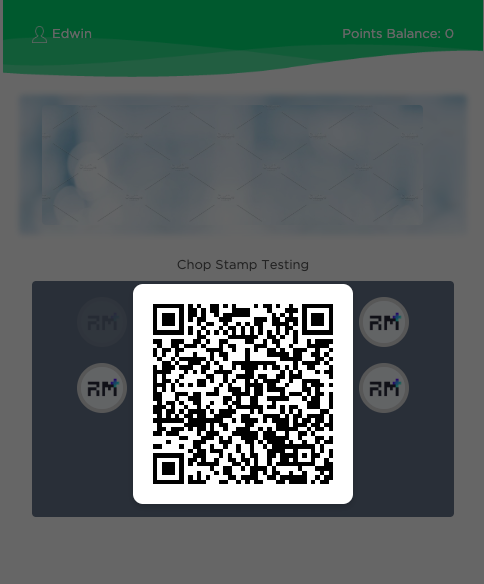
Issue a chop stamp to a customer's loyalty card. Each scan adds one stamp toward their reward.
When to Use
▾
Use this endpoint when:
- A customer presents their chop-stamp QR code at checkout
- Manually awarding stamps from the merchant terminal
How to Use
▾
/v3/loyalty/chop-stamp/card/scanPOST the scanned QR code to the endpoint. The response confirms the new stamp count and whether the card is complete.
Request Parameters
▾
QR code Url link
Example: EhQKCE1lcmNoYW50EJXVzd3wraqTORIgChRMb3lhbHR5Q2hvcFN0YW1wQ2FyZBCm1qHe2eDX_BU:d439a47d-3cd3-48bc-aae7-1effda5c7e1b
Response Parameters
▾
Transaction object
Chop Stamp ID
Example: "1583401221690518310"
Chop Stamp Key
Example: "EhQKCE1lcmNoYW50EJXVzd3wraqTORIgChRMb3lhbHR5Q2hvcFN0YW1wQ2FyZBCm1qHe2eDX_BU"
Number of redeem
Example: 2
True or False
Example: false
Time Start
Example: "2020-03-02T13:49:08Z"
Time End
Example: "2021-04-02T13:49:08Z"
Creation date time
Example: "2020-03-05T09:40:21Z"
Last update date time
Example: "2020-03-05T09:40:21Z"
Successfully call this endpoint. If fail, will return error code object (Refer Appendix 1: Error Codes)
Example: "SUCCESS"